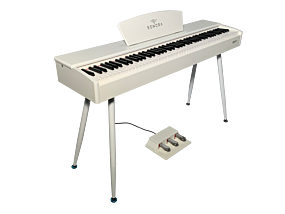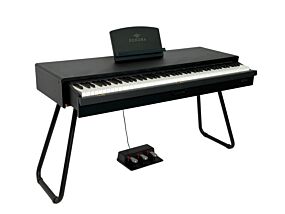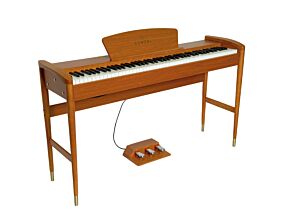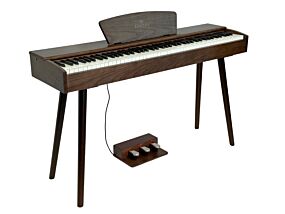



















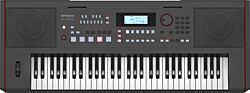
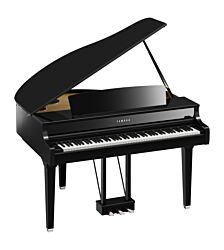
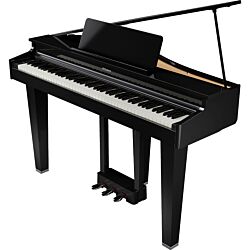
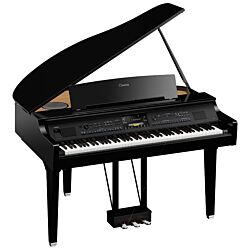
















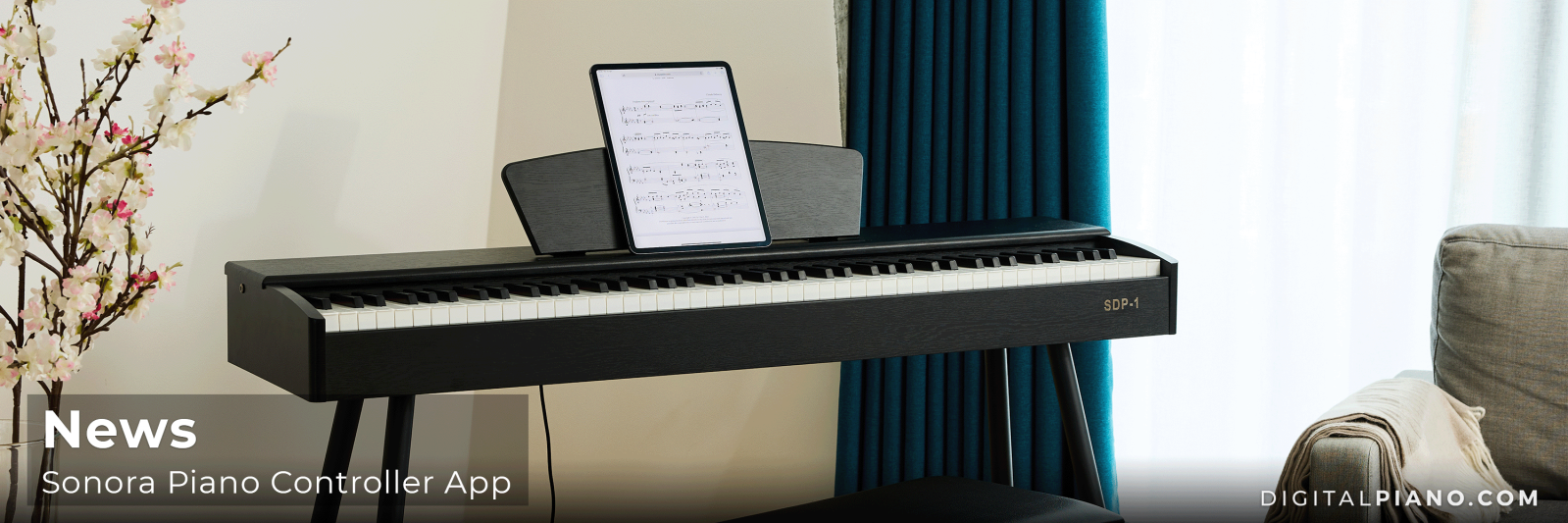
Sonora Piano Controller App
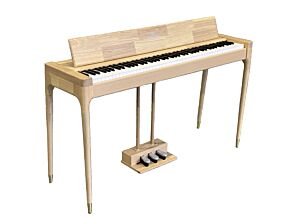
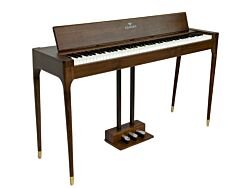
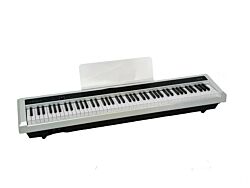
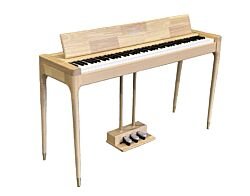
Get even more out of your Sonora Digital Piano with the Sonora Piano Controller App. The app gives you easy access to a range of features and settings, allowing you to customize your instrument to suit your playing style and musical needs.
Depending on your device, you can download the app for iOS or Android and connect it to your piano via Bluetooth or cable. Within minutes, you'll unlock a range of options that make your Sonora piano even more versatile.
Choose the Sound That Fits Your Music
With the Sonora Piano Controller App, you can switch between different sounds and tonal characters:
- Bright Piano
- Mellow Piano
- Electric Piano 1
- Electric Piano 2
- Organ
Looking for a clear and vibrant piano sound for modern pop or rock music? Choose Bright Piano. Prefer a warmer and softer tone for classical pieces or ballads? Mellow Piano is an excellent choice. The electric piano and organ sound add even more creative possibilities to your playing.
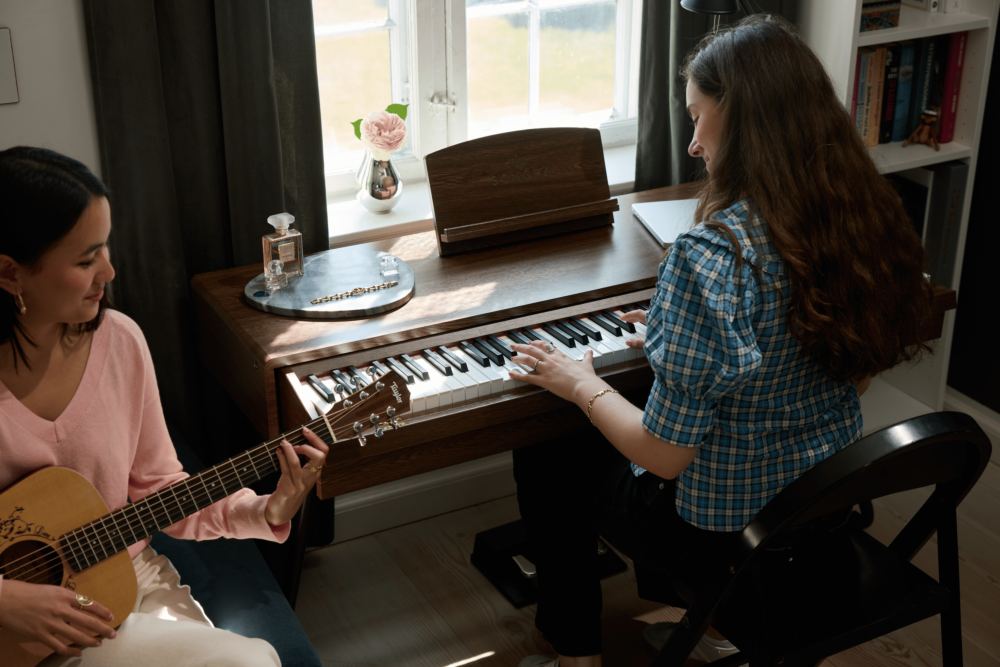
Transpose: Play in the Key That Works Best
The transpose function is one of the most useful tools for both beginners and experienced pianists. It allows you to change the piano's key without changing the notes you play on the keyboard.
This is especially useful when accompanying a singer, choir, or other musicians who may need a song performed in a different key. Have you spent weeks practicing a piece, only to discover it needs to be played a semitone or whole tone higher or lower? With the Transpose function, the piano does the work for you, allowing you to focus on your performance instead of relearning the music.
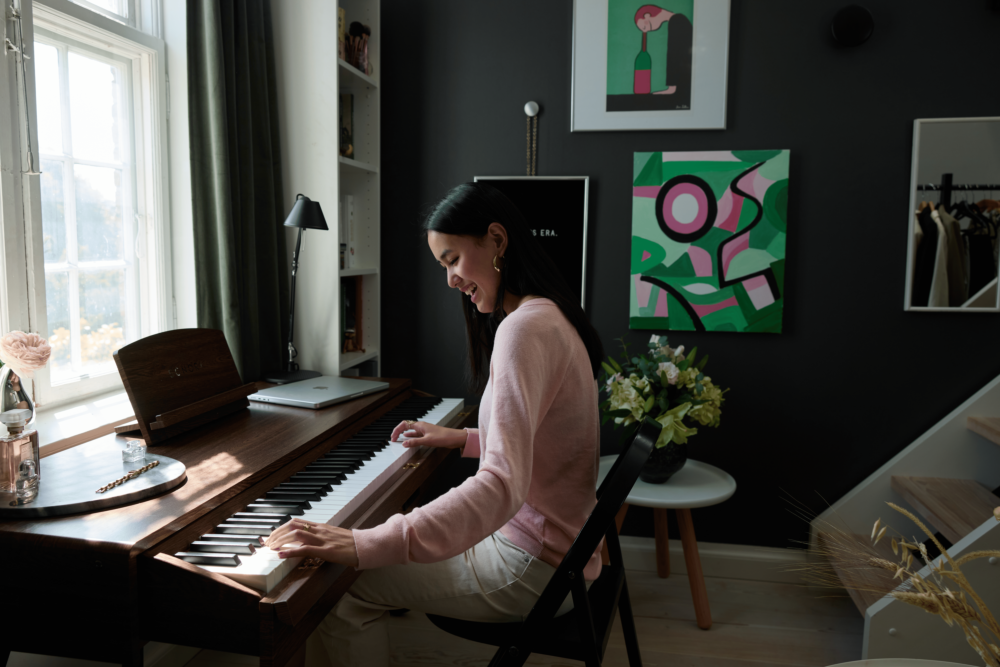
Customize the Piano's Response with Touch Sensitivity
Touch Sensitivity determines how the piano's sensors respond to your playing. By adjusting the sensitivity, you can fine-tune the relationship between the force applied to the keys and the volume produced by the instrument.
The Touch Sensitivity function offers three settings:
- Soft
- Medium
- Hard
These settings affect how easily dynamic changes are produced while playing. A softer setting requires less force to achieve higher volume levels, while a harder setting requires a firmer touch, providing a response that many players associate with a more traditional acoustic piano experience.
This allows you to tailor the instrument's response to your technique, experience level, and musical preferences.
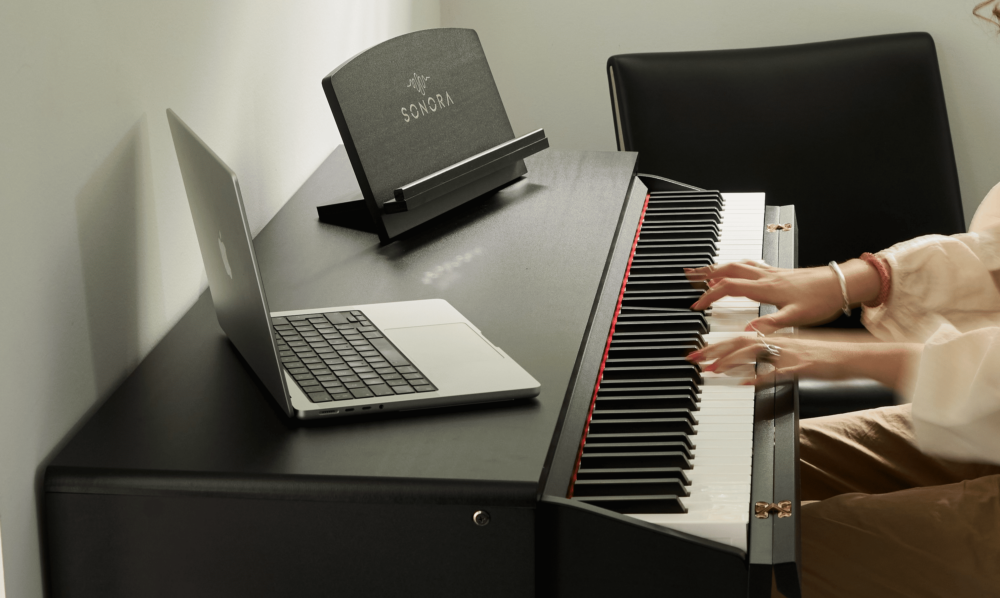
Get Even More from Your Sonora Piano
Digital pianos from Sonora are developed with a focus on playing enjoyment, sound quality, and modern functionality. The Piano Controller App expands your piano's capabilities even further, giving you greater flexibility whether you're practicing at home, teaching lessons, or performing with others.
Select your operating system below and follow the guide to get started.
If you have any questions, feel free to contact us at info@sonorapiano.com. We are always happy to help.